English
 Arabic
 French
 Spanish
 Portuguese
 Deutsch
 Turkish
 Dutch
Dutch
 Italiano
 Russian
 Romaian
 Portuguese (Brazil)
 Greek
Greek

📟Root Termux
Other |
2026-05-30 08:45:23
🚀 Root-Termux easily
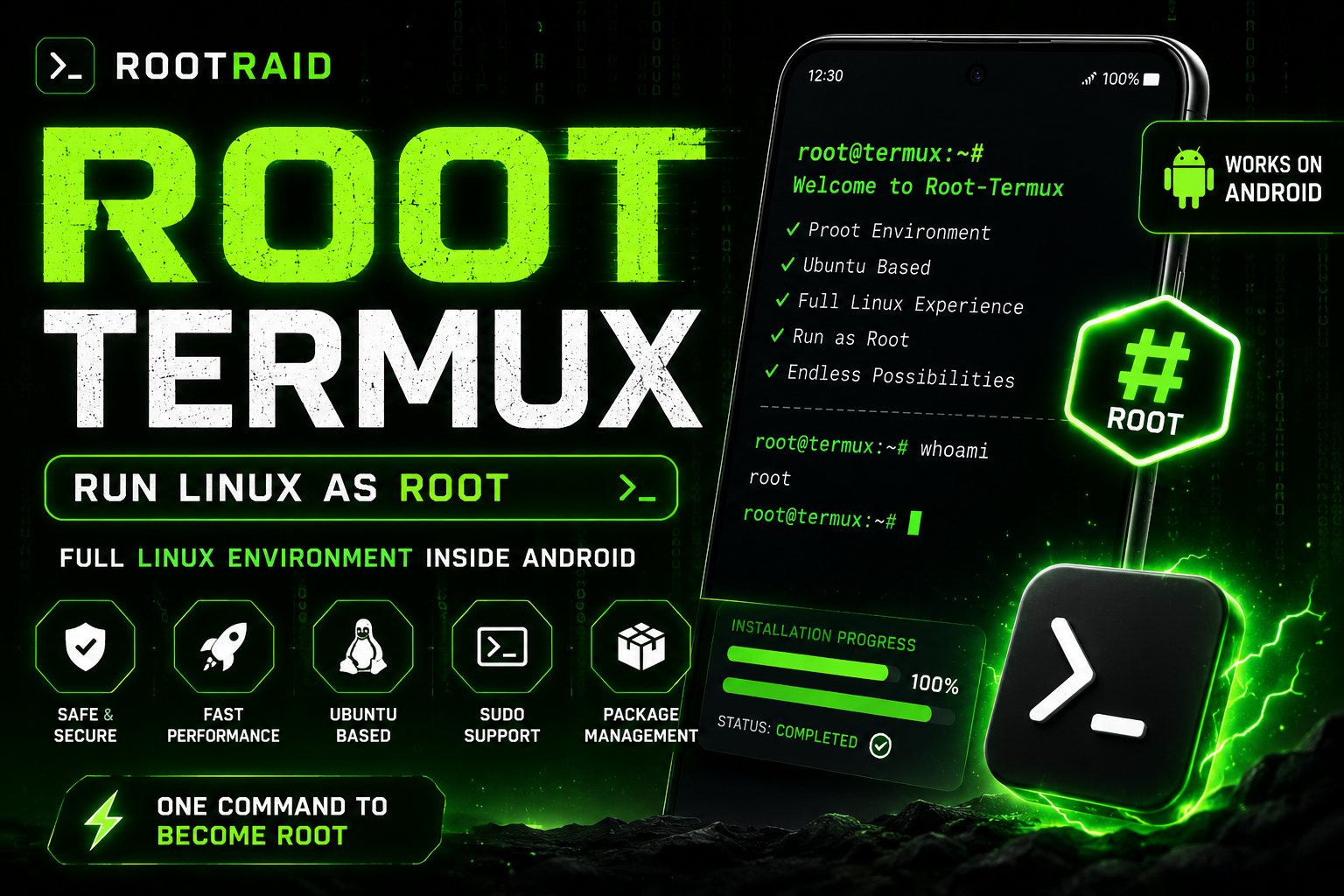
Run a Linux Root Environment Inside Termux
Experience a complete Linux-like root environment directly inside Termux using Proot. Perfect for ethical hacking labs, cybersecurity learning, development, scripting, and advanced terminal workflows.
✨ Features
- 🔥 One-click installation
- 🐧 Ubuntu-based environment
- 🛡️ Safe Proot isolation
- ⚡ Fast startup performance
- 📦 Package management support
- 🔑 Sudo support
- 📱 Works on Android devices
- 🎯 Beginner friendly
- 📋 Copy-to-clipboard commands
📸 Preview
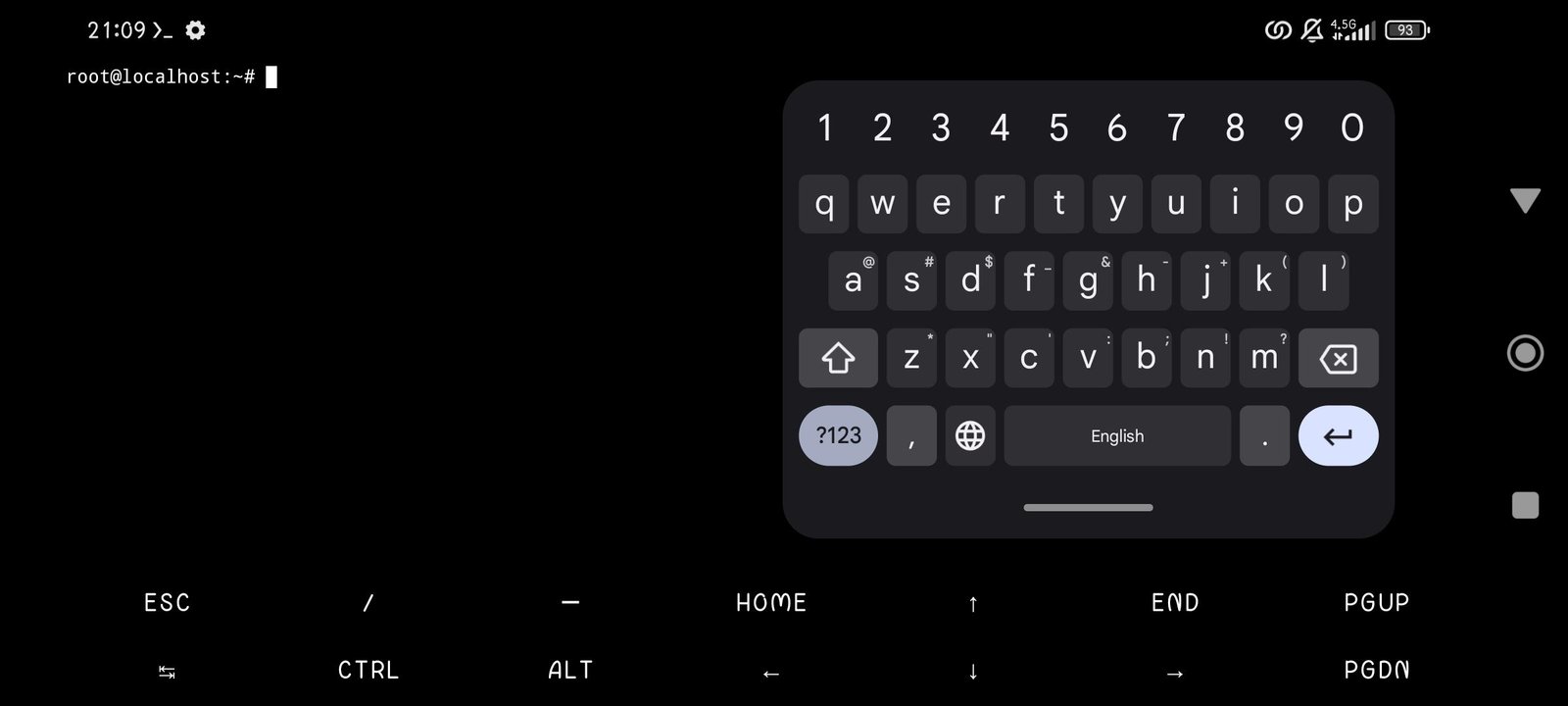
"Root-Termux Screenshot" (screenshot.jpg)
📋 Requirements
Requirement| Status
Termux Latest Version| ✅
Internet Connection| ✅
2GB+ Storage| Recommended
Android 8+| Recommended
⚡ Installation
Step 1: Install Git
pkg update -y && pkg upgrade -y
pkg install git -y
Step 2: Clone Repository
git clone https://github.com/hctilg/root-termux.git
cd root-termux
chmod +x *
Step 3: Install Required Packages
pkg install wget proot -y
Step 4: Run Installer
yes | bash install.sh
Installation may take several minutes depending on your internet speed.
🚀 Launch Root Environment
After installation completes:
bash start.sh
Or:
./start.sh
📦 First-Time Setup
Once inside the environment:
apt update
apt upgrade -y
🔑 Install Sudo
apt install sudo -y
Verify:
sudo whoami
Expected output:
root
🛠 Useful Commands
Update Packages
apt update && apt upgrade -y
Install Python
apt install python3 -y
Install Git
apt install git -y
Check Distribution
cat /etc/os-release
Exit Root Environment
exit
⚠ Disclaimer
This project uses Proot virtualization and does not provide actual Android kernel root privileges.
It creates a Linux root-like environment for educational, development, and cybersecurity learning purposes.
Successfully installed and launched a Linux root environment inside Termux.